Owner manages permissions / roles using the User Management Panel
Preconditions
The user is logged into INTERSECT with the owner role assigned.
Postconditions
The owner is presented with a detailed dashboard that allows them to approve, renew, or revoke access of resources to users.
Methodologies
Listing View:
Table that with following fields:
Contract number (for Operators / Maintainers) / Proposal number (for Users) - This will allow people to have access to a Resource for multiple discontinuous time periods
User name
Role - User / Operator / Maintainer
Resource(s) - use DB / UI trickery to keep table succinct instead of several rows for different combination of User Name x Resource
Access start date
Access end date
Status -
Requested / Pending
Active
Expired
Button(s) to:
Approve access
Renew access
Revoke access
The Listing View should allow the Owner to easily filter by Resource, User / Operator / Maintainer, Role, Date ranges, Status, etc.
The Listing View should allow the Owner to easily sort by any of the columns in the table
An example interface is depicted in Fig. 95 and Fig. 96.

Fig. 95 This management is done in project.
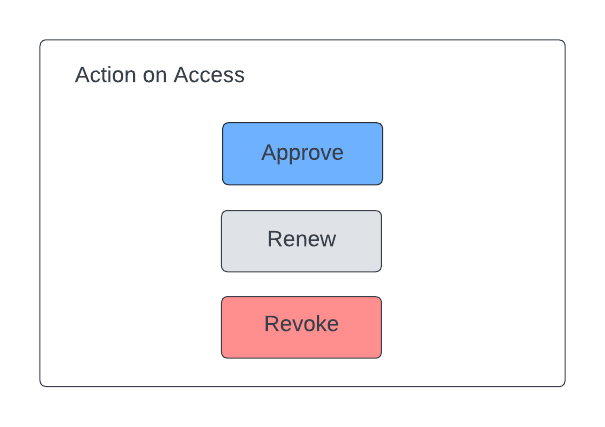
Fig. 96 Three options are given regarding access.